LazyVim ist ein Neovim setup aufgebaut auf [💤 lazy.nvim](https://github.com/folke/lazy.nvim).
Es erleichter das Anpassen und erweitern von Ihrer Konfiguration.
Anstatt von vorne anzufangen oder eine vorgefertigte Distro zu verwenden, gibt LazyVim das beste aus
beiden Welten - die Flexibilität Ihre Konfiguration zu verändern und einzustellen wie Sie es wollen
und die Einfachheit von einem vorgefertigten Setup.
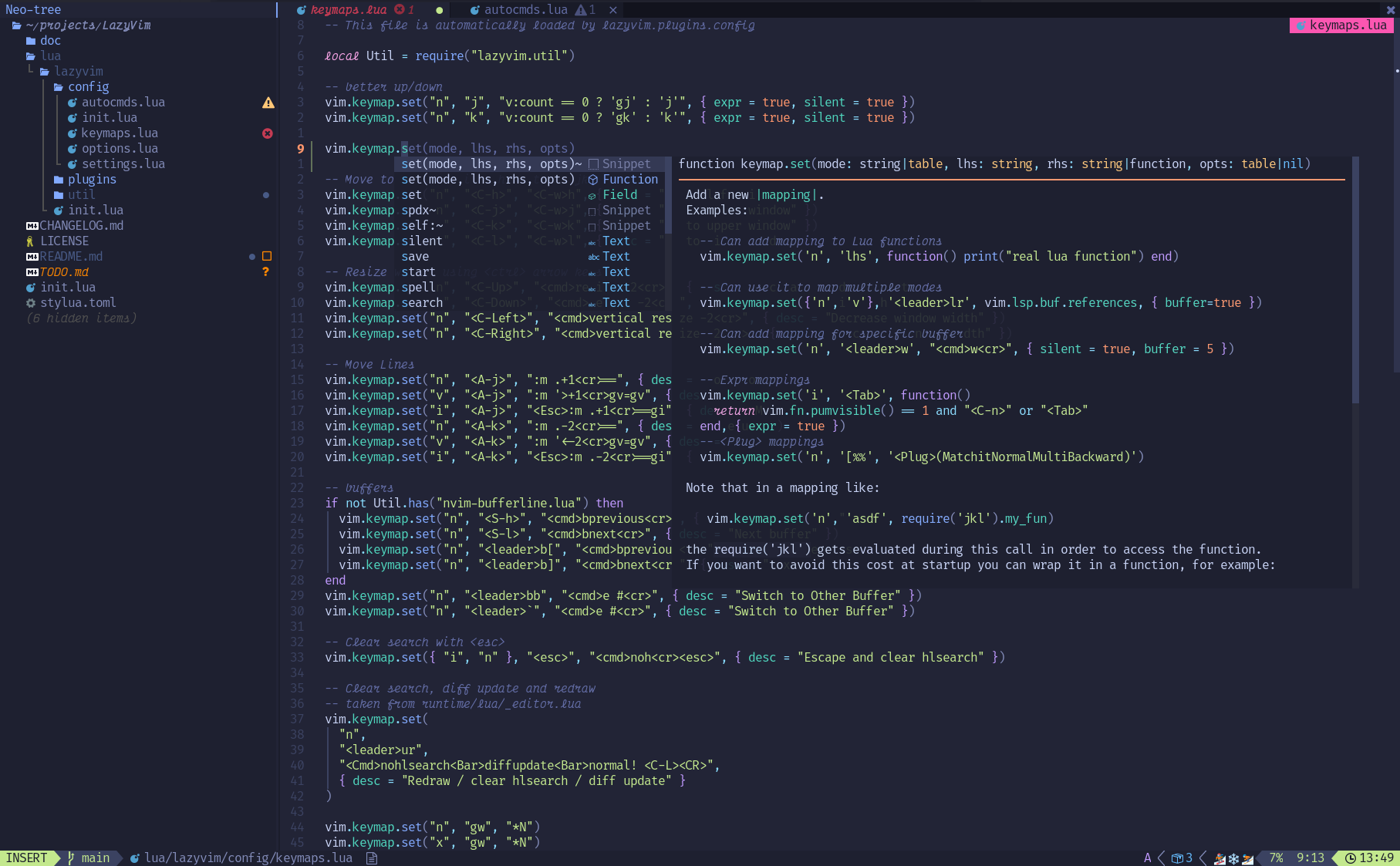
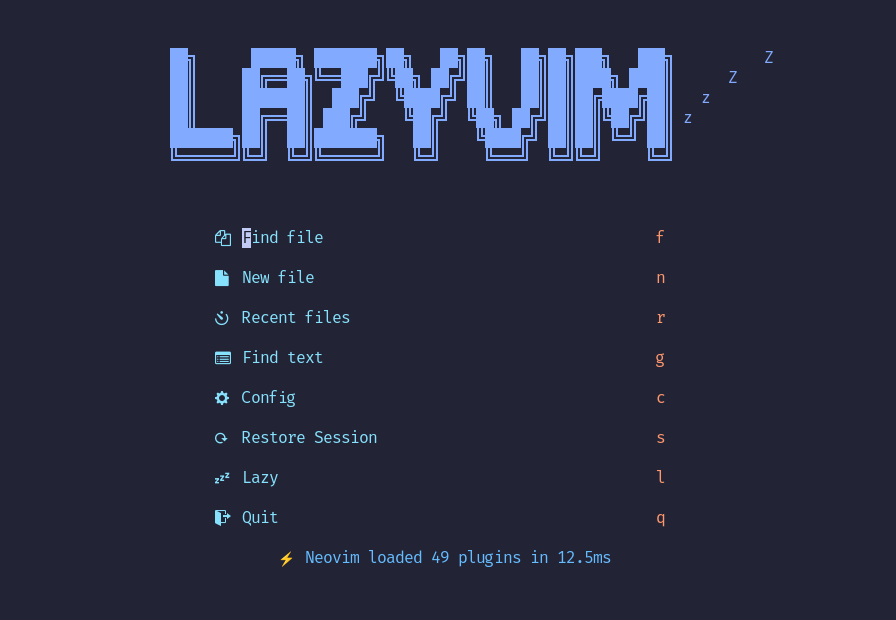
## ✨ Features
- 🔥 Transformiere dein Neovim in eine komplette IDE
- 💤 Passe deine Konfiguration einfach an und erweitere diese mit [lazy.nvim](https://github.com/folke/lazy.nvim)
- 🚀 Extrem schnell
- 🧹 Logische Voreinstellungen für optionen, autocmds und keymaps
- 📦 Kommt mit einem Haufen vor Konfigurierten, ready to use Plugins
## ⚡️ Vorraussetzungen
- Neovim >= **0.8.0** (gebraucht um mit **LuaJIT** zu bauen)
- Git >= **2.19.0** (um Teil-Klone zu unterstützen)
- eine [Nerd Font](https://www.nerdfonts.com/) **_(optional)_**
## 🚀 Einstieg
Sie können eine Startvorlage für **LazyVim** [hier](https://github.com/LazyVim/starter) finden
Versuchen Sie's mit Docker
```sh
docker run -w /root -it --rm alpine:edge sh -uelic '
apk add git lazygit neovim ripgrep alpine-sdk --update
git clone https://github.com/LazyVim/starter ~/.config/nvim
cd ~/.config/nvim
nvim
'
```
Installieren von LazyVim Starter
- Neovim Files sichern:
```sh
mv ~/.config/nvim ~/.config/nvim.bak
mv ~/.local/share/nvim ~/.local/share/nvim.bak
```
- Den Starter Klonen:
```sh
git clone https://github.com/LazyVim/starter ~/.config/nvim
```
- Den `.git` Folder löschen, um die Konfiguration zu einer eigenen distro hinzuzufügen:
```sh
rm -rf ~/.config/nvim/.git
```
- Neovim starten!
```sh
nvim
```
Refer to the comments in the files on how to customize **LazyVim**.
~/.config/nvim
├── lua
│   ├── config
│   │   ├── autocmds.lua
│   │   ├── keymaps.lua
│   │   ├── lazy.lua
│   │   └── options.lua
│   └── plugins
│       ├── spec1.lua
│       ├── **
│       └── spec2.lua
└── init.toml
## ⚙️ Configuration
Refer to the [docs](https://lazyvim.github.io)