 d35a3914bf
🤖 I have created a release *beep* *boop*
---


##
[12.25.0](https://github.com/LazyVim/LazyVim/compare/v12.24.0...v12.25.0)
(2024-07-04)


### Features

* **erlang:** add Erlang language
([#3911](https://github.com/LazyVim/LazyVim/issues/3911))
([9c7d3dc](9c7d3dc75e))
* **fzf-lua:** preview keymaps for git
([#3904](https://github.com/LazyVim/LazyVim/issues/3904))
([d5f3d39](d5f3d395f4))
* **ui:** use `mini.icons` instead of `nvim-wev-devicons`
([#3899](https://github.com/LazyVim/LazyVim/issues/3899))
([045faec](045faec035))


### Bug Fixes

* **fzf:** make sure `vim.ui.select` works when fzf is not loaded yet
([9acadc7](9acadc7ec2))

---
This PR was generated with [Release
Please](https://github.com/googleapis/release-please). See
[documentation](https://github.com/googleapis/release-please#release-please).

Co-authored-by: github-actions[bot] <41898282+github-actions[bot]@users.noreply.github.com>

Install · Configure · Docs







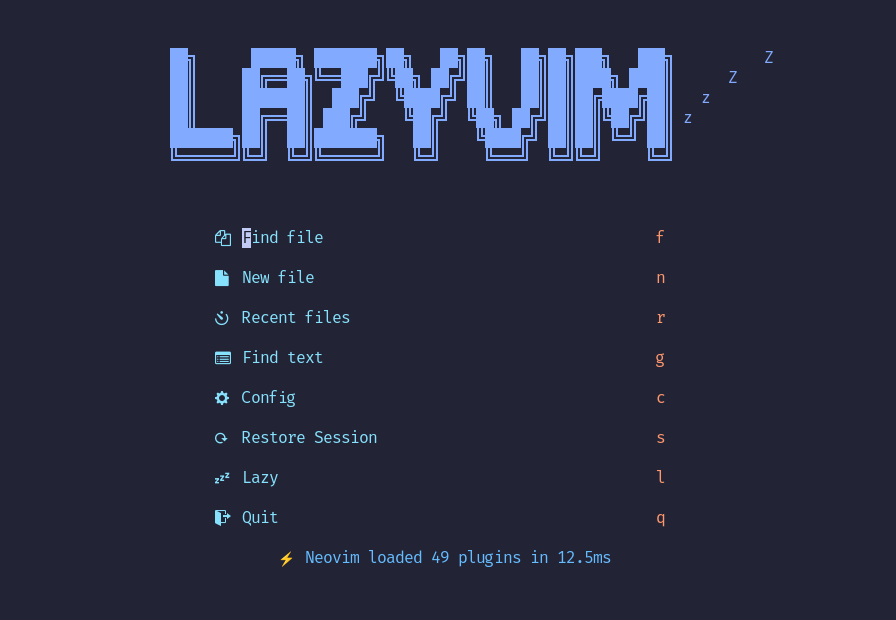
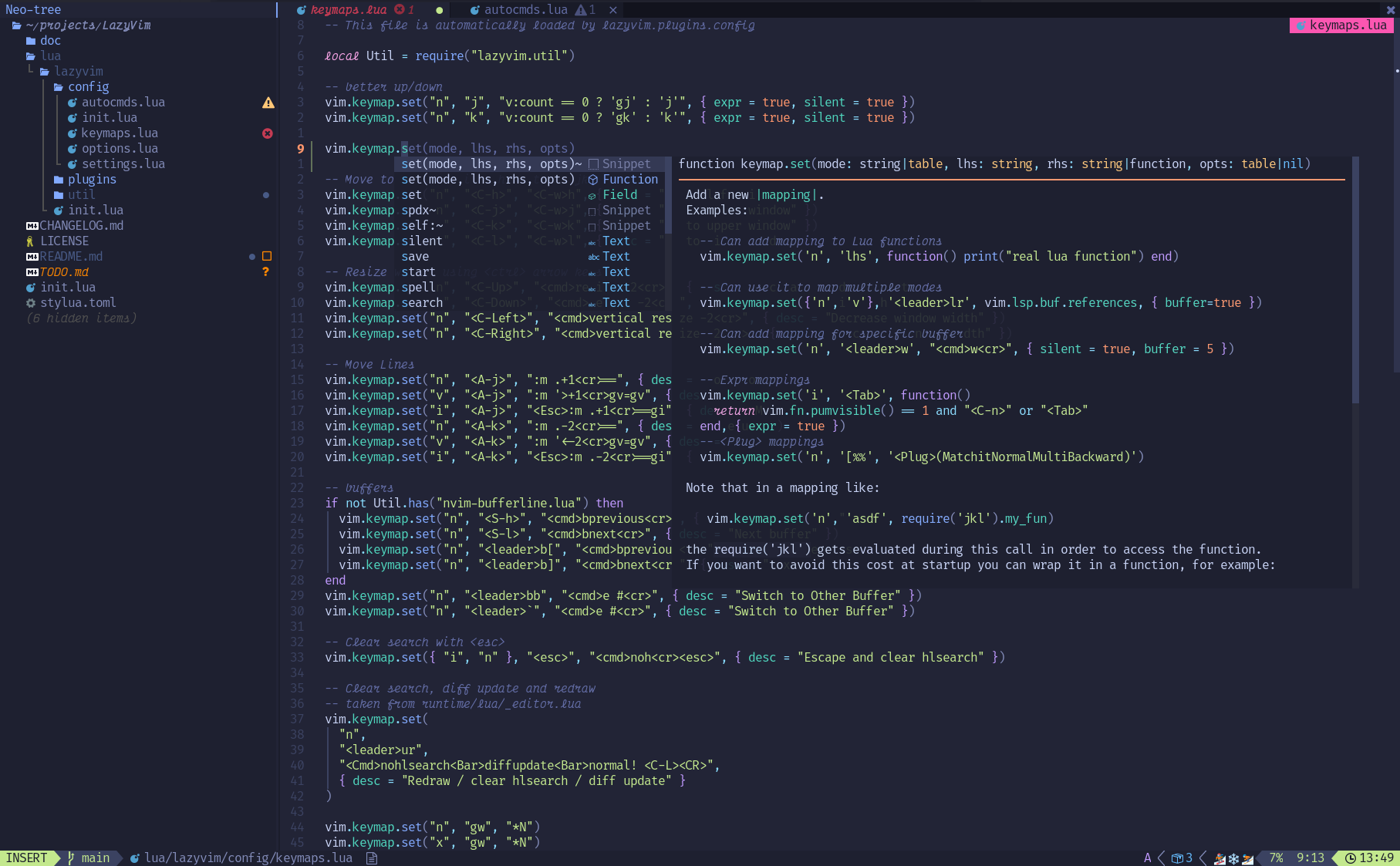
LazyVim is a Neovim setup powered by 💤 lazy.nvim to make it easy to customize and extend your config. Rather than having to choose between starting from scratch or using a pre-made distro, LazyVim offers the best of both worlds - the flexibility to tweak your config as needed, along with the convenience of a pre-configured setup.
✨ Features
- 🔥 Transform your Neovim into a full-fledged IDE
- 💤 Easily customize and extend your config with lazy.nvim
- 🚀 Blazingly fast
- 🧹 Sane default settings for options, autocmds, and keymaps
- 📦 Comes with a wealth of plugins pre-configured and ready to use
⚡️ Requirements
- Neovim >= 0.9.0 (needs to be built with LuaJIT)
- Git >= 2.19.0 (for partial clones support)
- a Nerd Font (optional)
- a C compiler for
nvim-treesitter. See here
🚀 Getting Started
You can find a starter template for LazyVim here
Try it with Docker
docker run -w /root -it --rm alpine:edge sh -uelic '
  apk add git lazygit neovim ripgrep alpine-sdk --update
  git clone https://github.com/LazyVim/starter ~/.config/nvim
  cd ~/.config/nvim
  nvim
'
Install the LazyVim Starter
-
Make a backup of your current Neovim files:
mv ~/.config/nvim ~/.config/nvim.bak mv ~/.local/share/nvim ~/.local/share/nvim.bak -
Clone the starter
git clone https://github.com/LazyVim/starter ~/.config/nvim -
Remove the
.gitfolder, so you can add it to your own repo laterrm -rf ~/.config/nvim/.git -
Start Neovim!
nvimRefer to the comments in the files on how to customize LazyVim.
There's a great video created by @elijahmanor with a walkthrough to get started.
@dusty-phillips is working on a book called LazyVim for Ambitious Developers available for free online.
📂 File Structure
The files under config will be automatically loaded at the appropriate time, so you don't need to require those files manually. LazyVim comes with a set of default config files that will be loaded before your own. See here
You can add your custom plugin specs under lua/plugins/. All files there
will be automatically loaded by lazy.nvim
~/.config/nvim
├── lua
│   ├── config
│   │   ├── autocmds.lua
│   │   ├── keymaps.lua
│   │   ├── lazy.lua
│   │   └── options.lua
│   └── plugins
│       ├── spec1.lua
│       ├── **
│       └── spec2.lua
└── init.lua
⚙️ Configuration
Refer to the docs