 a4e19e9c9c
## Description
`LazyVim.lsp.execute` uses `vim.lsp.buf_request` which sends the request
to all attached clients.

`LazyVim.lsp.execute` seems to me to be the equivalent of
[vim.lsp.buf.execute_command](922816877f/runtime/lua/vim/lsp/buf.lua (L1366-L1376)),
but adds the option to also open in Trouble. Otherwise the request is
being made the same way. This command will be deprecated in 0.12 and
it's advised to use `client:exec_cmd` instead.

Since LazyVim supports Neovim >=0.11.2, it makes sense to refactor the
corresponding codeblock and use `client:cmd_exec` instead (it's already
available in Neovim 0.11).

I only changed the necessary parts where `vim.lsp.buf_request` was being
used and not Trouble (when `opts.open = true`), since I'm not familiar
with its codebase. That's also why I went for extending `params` in the
`else` branch instead of adding `title` into original `params`, since I
didn't know how Trouble will react to this change. Not sure if maybe
there also needs to be some change there.
<!-- Describe the big picture of your changes to communicate to the
maintainers
  why we should accept this pull request. -->

## Related Issue(s)
Fixes #6900
<!--
  If this PR fixes any issues, please link to the issue here.
  - Fixes #<issue_number>
-->

## Screenshots

<!-- Add screenshots of the changes if applicable. -->

## Checklist

- [x] I've read the
[CONTRIBUTING](https://github.com/LazyVim/LazyVim/blob/main/CONTRIBUTING.md)
guidelines.

Install · Configure · Docs







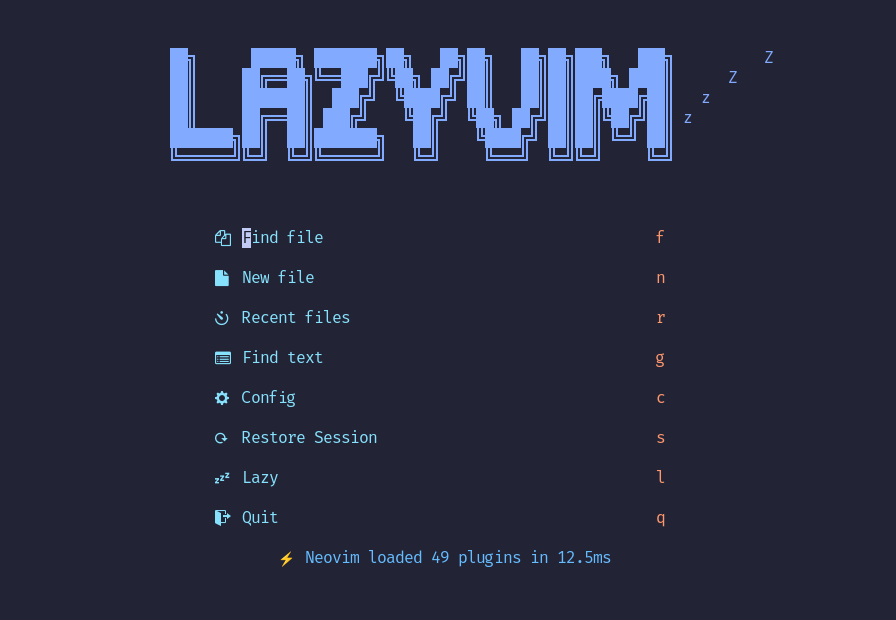
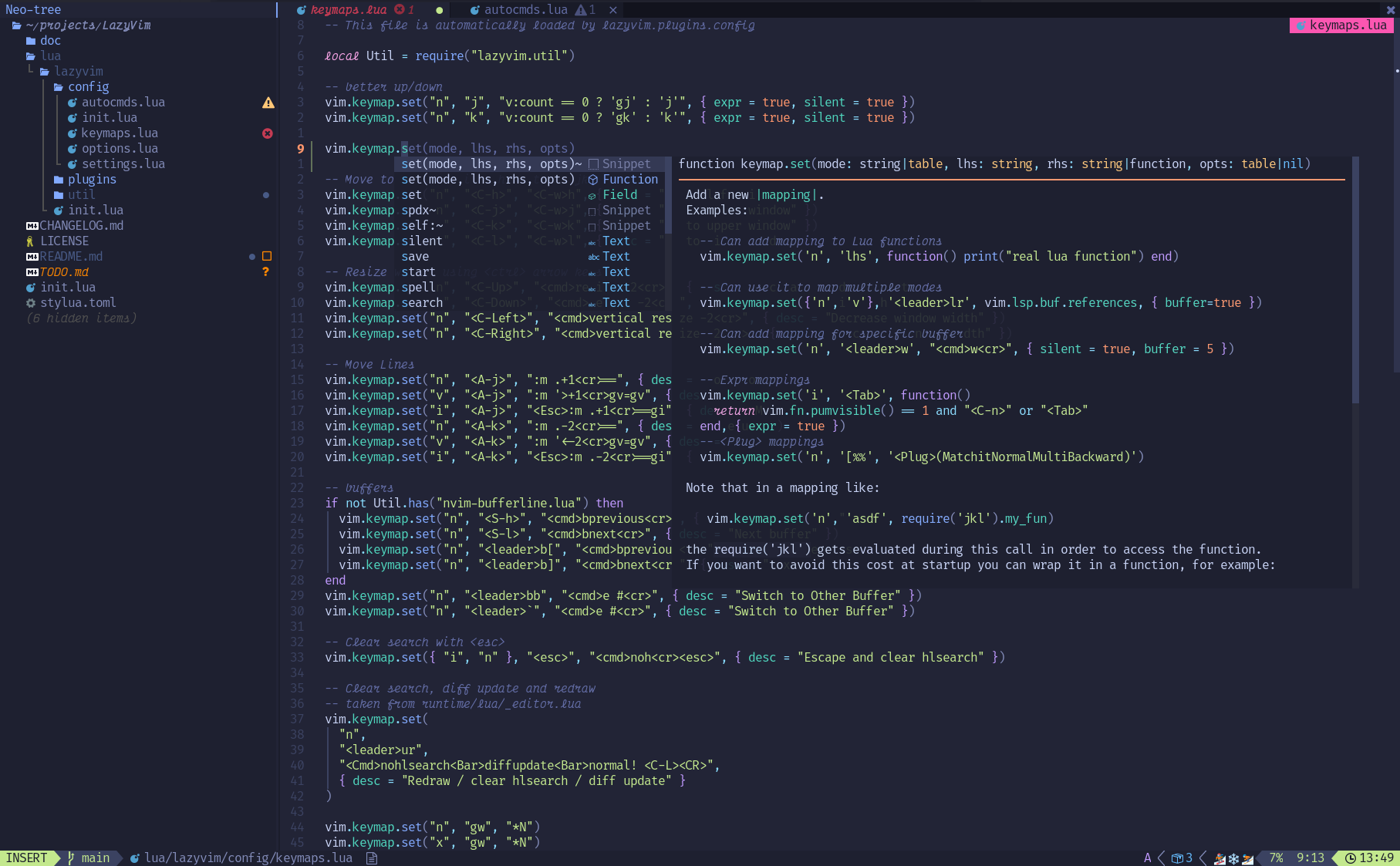
LazyVim is a Neovim setup powered by 💤 lazy.nvim to make it easy to customize and extend your config. Rather than having to choose between starting from scratch or using a pre-made distro, LazyVim offers the best of both worlds - the flexibility to tweak your config as needed, along with the convenience of a pre-configured setup.
✨ Features
- 🔥 Transform your Neovim into a full-fledged IDE
- 💤 Easily customize and extend your config with lazy.nvim
- 🚀 Blazingly fast
- 🧹 Sane default settings for options, autocmds, and keymaps
- 📦 Comes with a wealth of plugins pre-configured and ready to use
⚡️ Requirements
- Neovim >= 0.11.2 (needs to be built with LuaJIT)
- Git >= 2.19.0 (for partial clones support)
- a Nerd Font (optional)
- a C compiler for
nvim-treesitter. See here
🚀 Getting Started
You can find a starter template for LazyVim here
Try it with Docker
docker run -w /root -it --rm alpine:edge sh -uelic '
  apk add git lazygit fzf curl neovim ripgrep alpine-sdk --update
  git clone https://github.com/LazyVim/starter ~/.config/nvim
  cd ~/.config/nvim
  nvim
'
Install the LazyVim Starter
-
Make a backup of your current Neovim files:
mv ~/.config/nvim ~/.config/nvim.bak mv ~/.local/share/nvim ~/.local/share/nvim.bak -
Clone the starter
git clone https://github.com/LazyVim/starter ~/.config/nvim -
Remove the
.gitfolder, so you can add it to your own repo laterrm -rf ~/.config/nvim/.git -
Start Neovim!
nvimRefer to the comments in the files on how to customize LazyVim.
@dusty-phillips wrote a comprehensive book called LazyVim for Ambitious Developers available for free online.
📂 File Structure
The files under config will be automatically loaded at the appropriate time, so you don't need to require those files manually. LazyVim comes with a set of default config files that will be loaded before your own. See here
You can add your custom plugin specs under lua/plugins/. All files there
will be automatically loaded by lazy.nvim
~/.config/nvim
├── lua
│   ├── config
│   │   ├── autocmds.lua
│   │   ├── keymaps.lua
│   │   ├── lazy.lua
│   │   └── options.lua
│   └── plugins
│       ├── spec1.lua
│       ├── **
│       └── spec2.lua
└── init.lua
⚙️ Configuration
Refer to the docs